
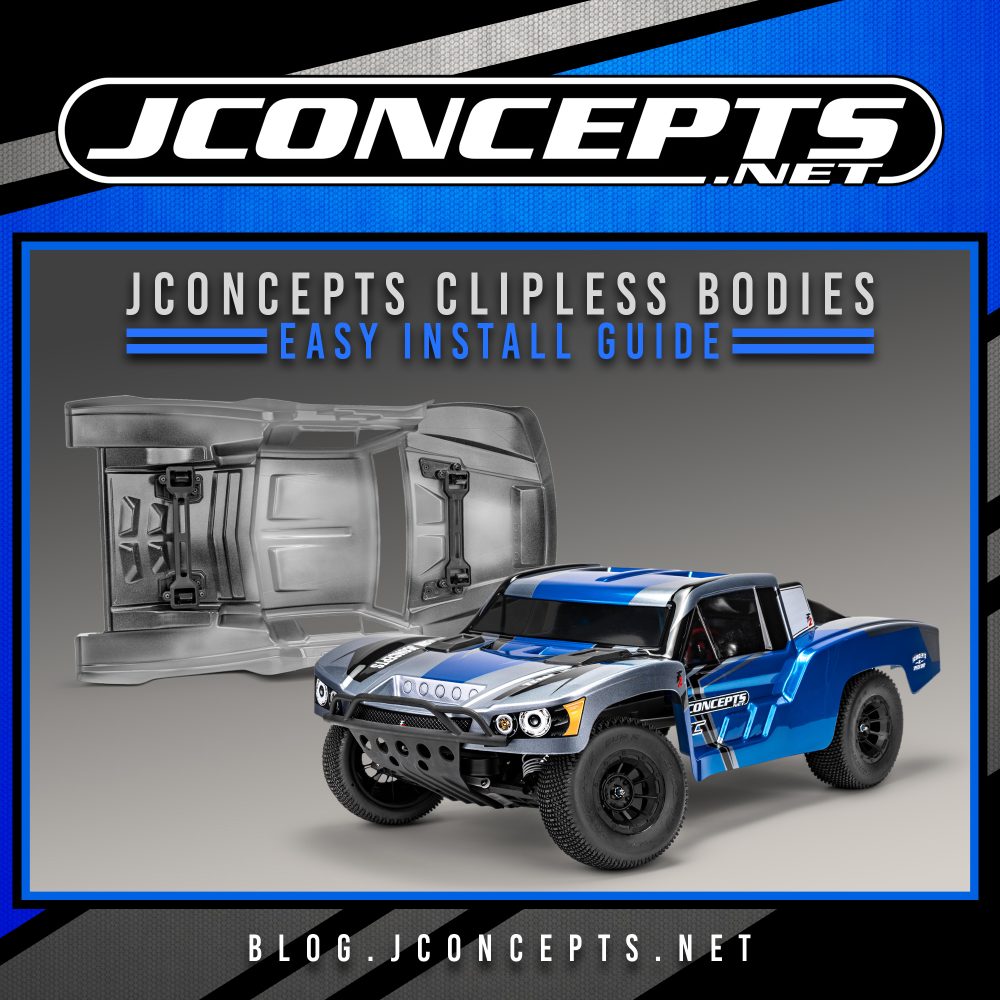
More Convenient Access, now in JConcepts Style.
Traditional body clips are small, easy to drop, and can slow down quick access to your RC car. A clipless body uses the vehicle’s latch system instead: the body snaps into place and releases without tiny clips to lose.
A new specifically designed body adapted for the clipless system takes that a step further. Rather than guessing at hole positions, the shell is shaped with mounting locations that line up with the vehicle’s stock latch mounts, so the original clipless hardware transfers over and engages just like it does with the factory body.
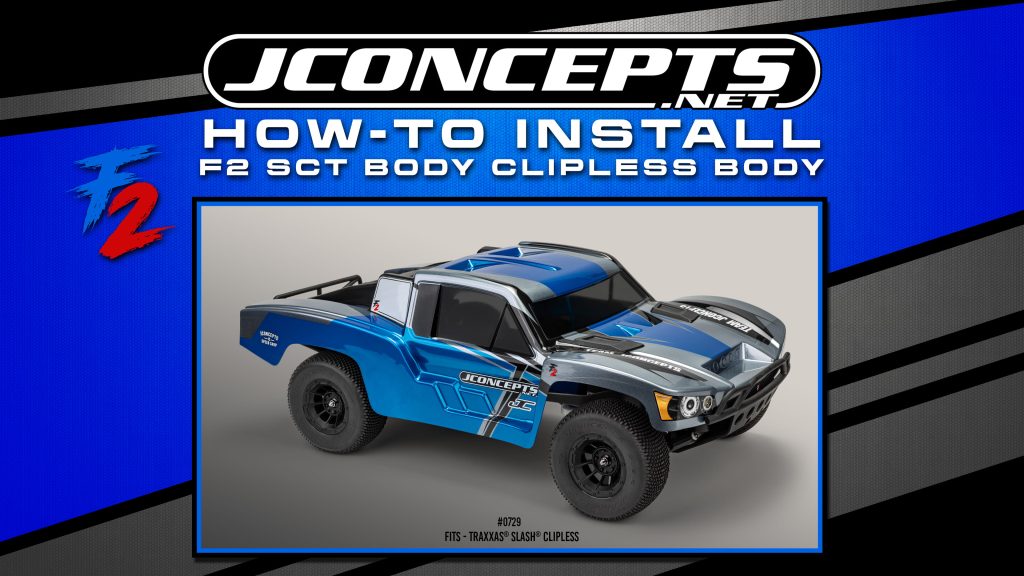
Watch our quick how-to video for our newest F2 Body…
JConcepts select clipless bodies bring that convenience together with JConcepts design and fitment for specific Traxxas and ARRMA vehicles. This guide explains which bodies fit, what to check before installation, and how to transfer the mounting hardware from your stock body.
Important: These are replacement body shells designed for the listed vehicle and its compatible clipless system. They are not universal bodies or clipless conversion kits. Check your exact vehicle model and mounting hardware before ordering.
Quick View: Compatible JConcepts Clipless Bodies
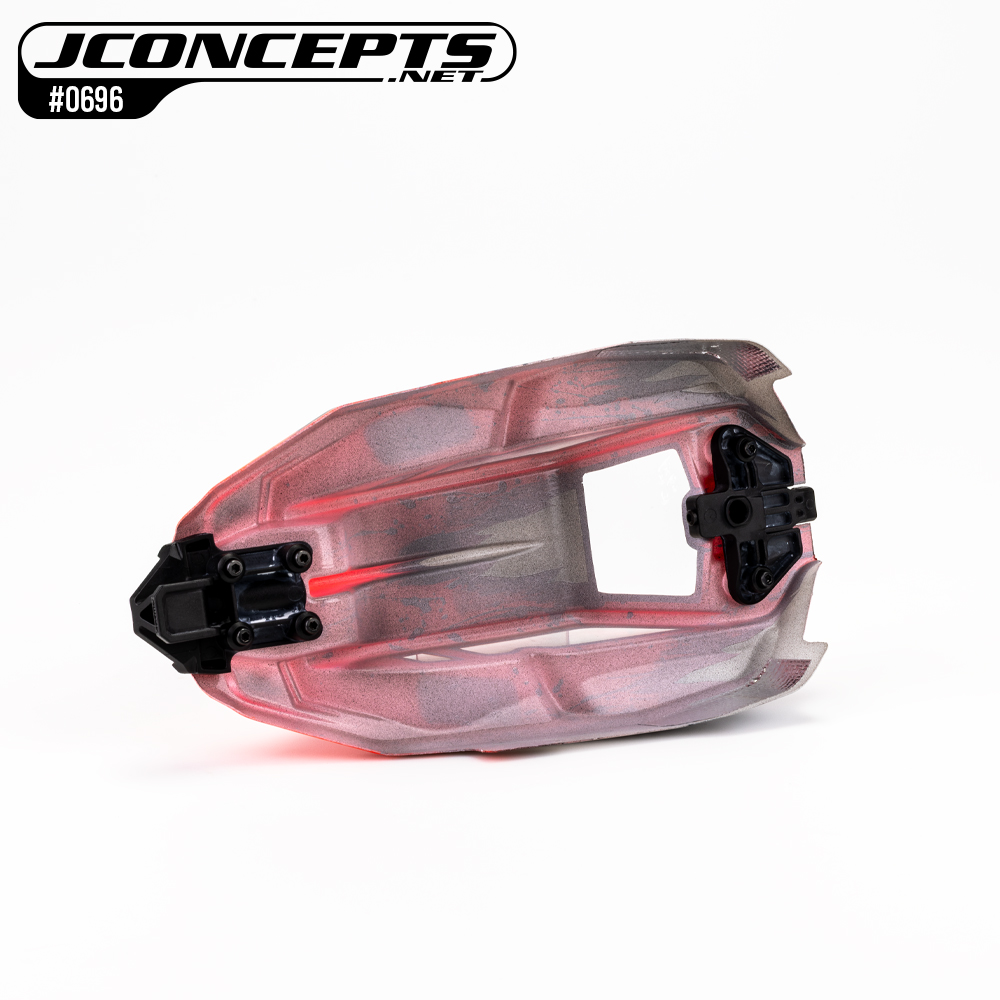
- #0696 / P2, ARRMA Typhon GROM: Clear, factory pre-cut polycarbonate shell designed for the stock clipless body assembly. MAP: $21.25. Compatible Models: 1/14 ARRMA TYPHON GROM DSC 223S Brushless (Battery & Charger Included) #ARA2306ST2, ARRMA TYPHON GROM 223S BLX Brushless #ARA2306T1, 1/14 ARRMA TYPHON GROM Brushed #ARA2106T1
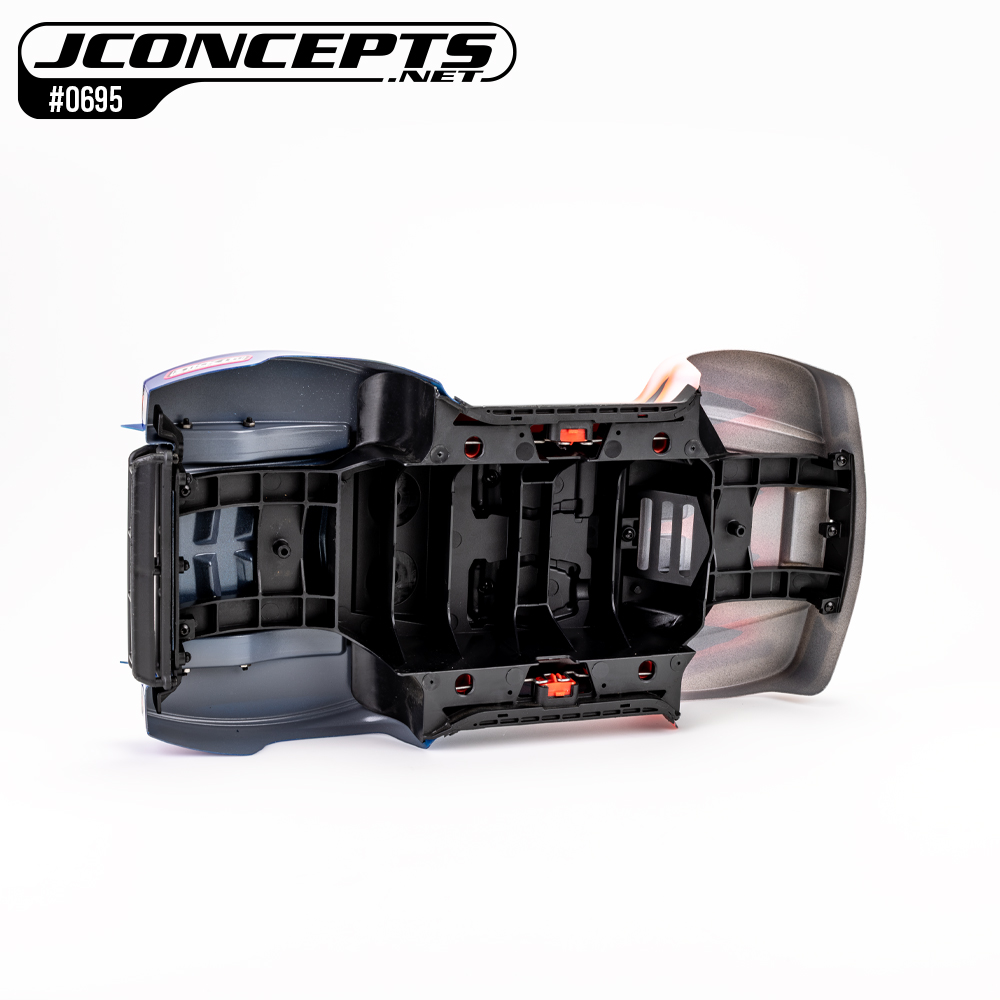
- #0695 / F2, ARRMA Mojave GROM: Factory pre-cut and designed for the stock clipless system. Marked mounting locations need customer trimming for the inner roll-cage components. MAP: $25.50. Compatible Models: 1/16 ARRMA MOJAVE GROM DSC 223S #ARA2104T1,1/16 ARRMA MOJAVE GROM DSC 223S BLK/GLD #ARA2304T1, 1/16 ARRMA MOJAVE GROM 223S BLX #ARA2304ST1, 1/16 MOJAVE GROM 4×4 RTA Kit #ARA2104KT1
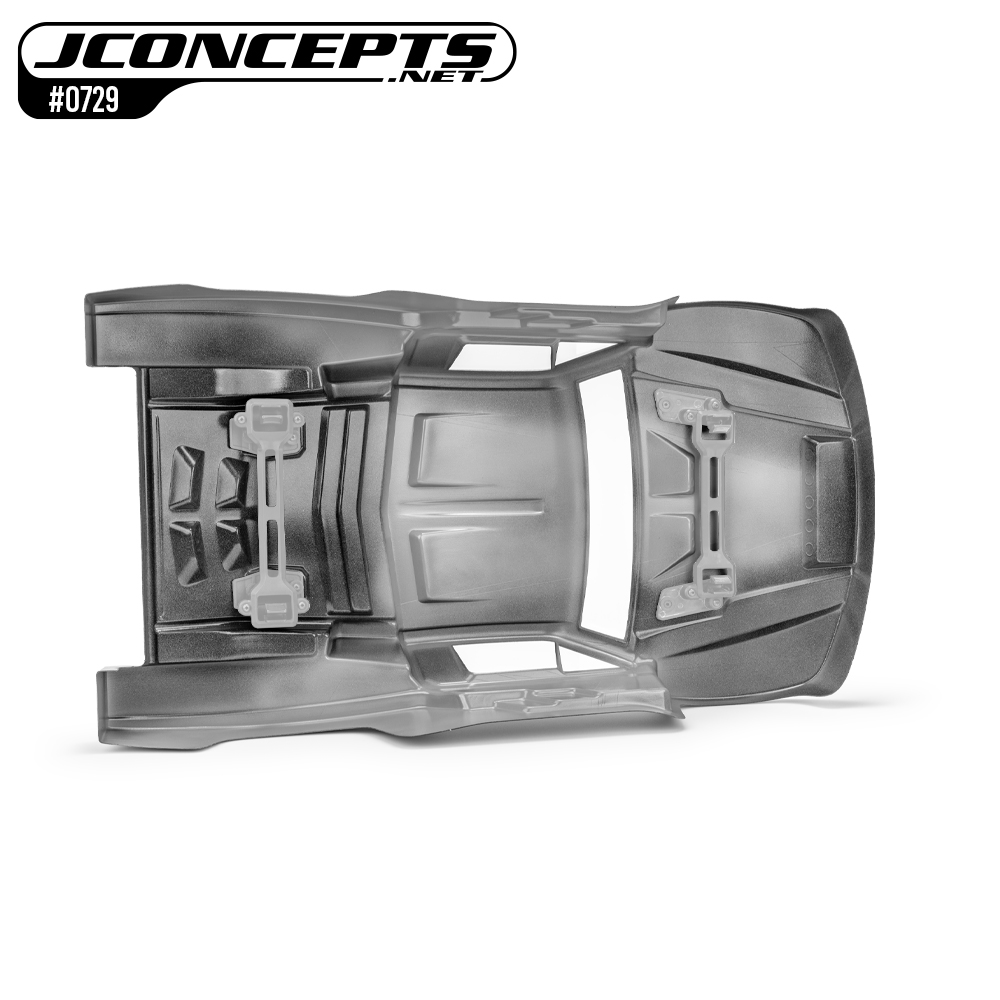
- #0729 / F2, Traxxas Slash: Pre-trimmed clear body that uses the vehicle’s stock modular mounting hardware. Carefully check your specific kit model number. Does not fit the latest 6958-series bodies. MAP: $59.50. Compatible Models: Slash 2WD XL-5 With Battery #58234-8, Slash 2WD Unassembled Kit #58214-4, Slash 4X4 VXL Ultimate #68277-4, Slash 4X4 BL-2s #68154-4, Slash 2WD Brushless #58434-4, Slash 4X4 Clipless Body Conversion Kit #6928
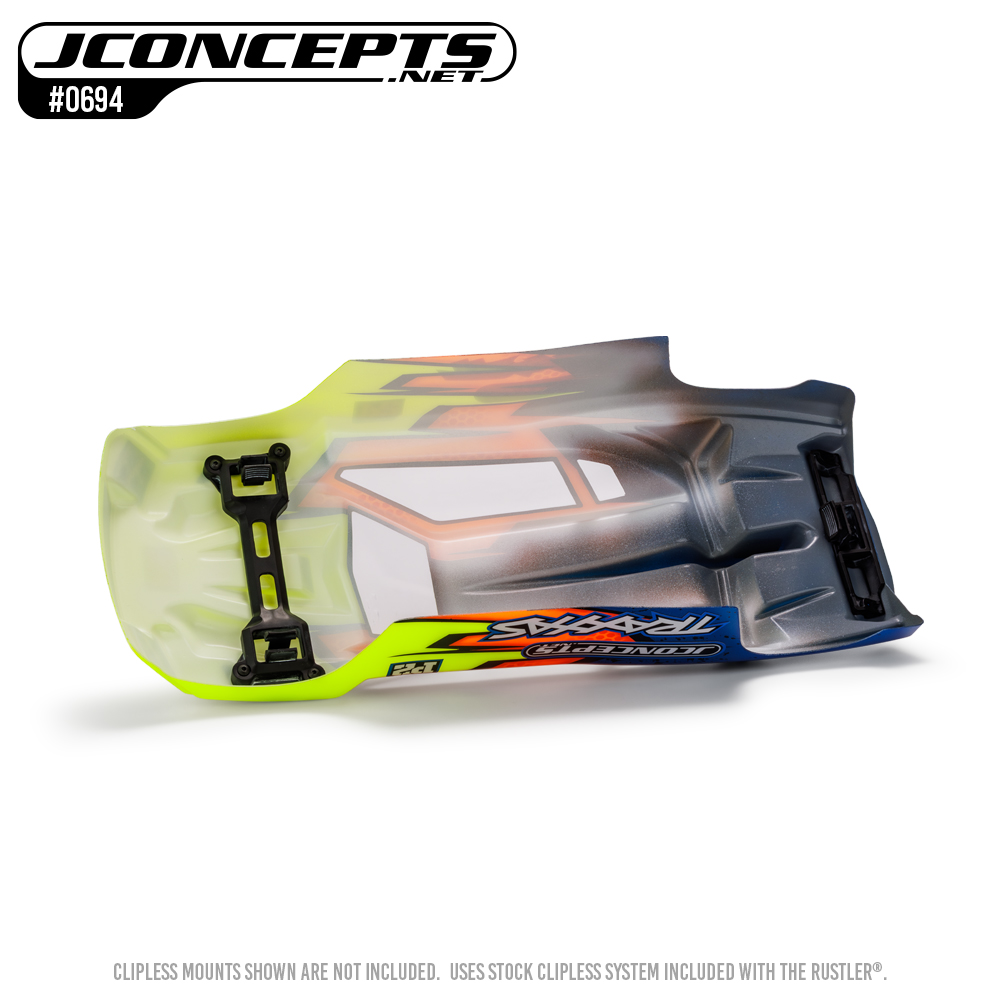
- #0694 / P2, Traxxas Rustler: Pre-cut body that accepts the stock mounting hardware and includes a rear spoiler. MAP: $42.50. Compatible Models: Rustler 4X4 VXL Ultimate #67097-4, Rustler 4X4 BL-2s #67164-4, Rustler 4X4 Brushless #67464-4
What Does “Clipless” Mean?
A clipless mounting system holds the body with a pre-built latch system attached to the vehicle. Instead of pushing body clips through body posts, you line up the shell and press it into place until the catches engage. To remove it, release the latches and lift the body away.
That means quicker body access and a cleaner exterior. It does not mean every body fits every clipless vehicle: the shell’s shape, mounting locations, and hardware must match the specific chassis. JConcepts has taken steps to work with and plan for the kit manufacture’s clipless system, adapting the specific JConcepts body to the established mounts.
Before You Start
Set aside a clean work area and gather the body, stock shell, and the hand tools required for your vehicle. You may also need a body reamer or hobby scissors for specific marked openings. Check the JConcepts product page and your vehicle manual before trimming.
Keep these points in mind:
- Compare the model name and body number.
- Keep the original mounting pieces. The JConcepts shells use the kit stock parts, or kit clipless hardware; mounting hardware is not automatically included with a replacement shell.
- Check what “pre-cut” means for your body. The Typhon GROM P2 is pre-cut for mounting. The Mojave GROM F2 is factory pre-cut around its perimeter, but its marked mounting locations require user trimming.
- Work gradually. A small opening can be enlarged; an oversized opening is difficult to fix. Don’t force hardware through polycarbonate.
- Leave the protective film on while fitting. It helps protect the clear shell during handling and painting.
Beginner’s Step-by-Step Installation
- Verify & Test-Fit
Switch off the vehicle and remove its stock body. Compare the replacement shell with the original and confirm the front and rear mounting points, body shape, and model match.
Set the JConcepts body gently onto the chassis before attaching hardware. Check that it sits straight and clears the tires, bumpers, and chassis components. Do not press hard or use screws to pull a shell into position.
- Prepare the Mounting Points
Remove the clipless mounting pieces from the stock body, keeping track of where each part belongs and which way it faces. A quick photo on your phone before disassembly can help if you need to refer back to it later.
Transfer the stock or kit hardware to the JConcepts body using its marked, dimpled, or pre-cut locations. On the Typhon GROM P2, the shell is pre-cut for the clipless assembly. On the Mojave GROM F2, follow the marked holes and square scribed lines to prepare the openings needed for the inner roll-cage components. The Rustler P2 accepts the small stock front and rear body-mount assemblies. The Slash F2 uses the stock modular body-mount assembly and hardware.
Make only the openings required for your body and hardware. If trimming or reaming is needed, remove a little material at a time and test-fit as you go.
- Install and Secure
Position the mounting hardware in the JConcepts shell according to the vehicle and body instructions. Reuse the original kit hardware where specified, and tighten screws until secure, do not overtighten. The shell should sit naturally against the mounting pieces without being distorted.
Now fit the body to the vehicle:
- ARRMA Typhon GROM: Align the body with the chassis and press down until the side catches click into place. To remove it, release the catches on each side and lift the shell off.
- ARRMA Mojave GROM: Align the body and its inner roll-cage components with the chassis. Press down at the intended latch points until the clipless system is fully engaged.
- Traxxas Slash or Rustler: Align the shell with the chassis mounts and press down above the latches until they snap into the chassis receivers. Release the latches to remove the body.
For a Traxxas vehicle that does not already have clipless mounting hardware, a separate, vehicle-specific conversion may be required. Follow the conversion instructions for your exact model. For example, the Traxxas Slash 4X4 clipless conversion instructions cover that conversion kit; they should not be assumed to apply to every Slash or Rustler.
- Check and Go
With the body installed, check that every latch is seated. Turn the steering fully in both directions and compress the suspension to confirm the tires and moving parts do not rub the shell. Check that the body releases as intended and that no mounting piece is loose.
Installation requirements may vary by body and vehicle. Always confirm fitment and follow the manufacturer’s instructions before modifying the body or mounting hardware. For ARRMA manuals, you may want to start at the official Typhon GROM product page or Mojave GROM product page and check the downloads for your version.
Find the Right JConcepts Body
The JConcepts F2 body options add the F2 short course look to the Slash and Mojave GROM, while the JConcepts P2 body options bring the latest P2 styling to the Rustler and Typhon GROM. Each shell is shaped for its listed application and mounting arrangement.
More Compatibility Coming Soon
JConcepts continues to develop clipless body options for additional vehicles. Check the JConcepts body collection and product listings for current fitment information and future releases.
World Proven Innovation and Design. Choose the body made for your vehicle, transfer the correct kit hardware, and take advantage of quick, convenient access, with JConcepts style. Get the clean look you want with the JConcepts body styling you love, individually built for the new clipless systems, without traditional RC body clips.
This product is not affiliated with, endorsed by, or associated with Traxxas, L.P. or ARRMA. Traxxas, Slash, Rustler, ARRMA, Typhon and Mojave are trademarks of their respective owners.